
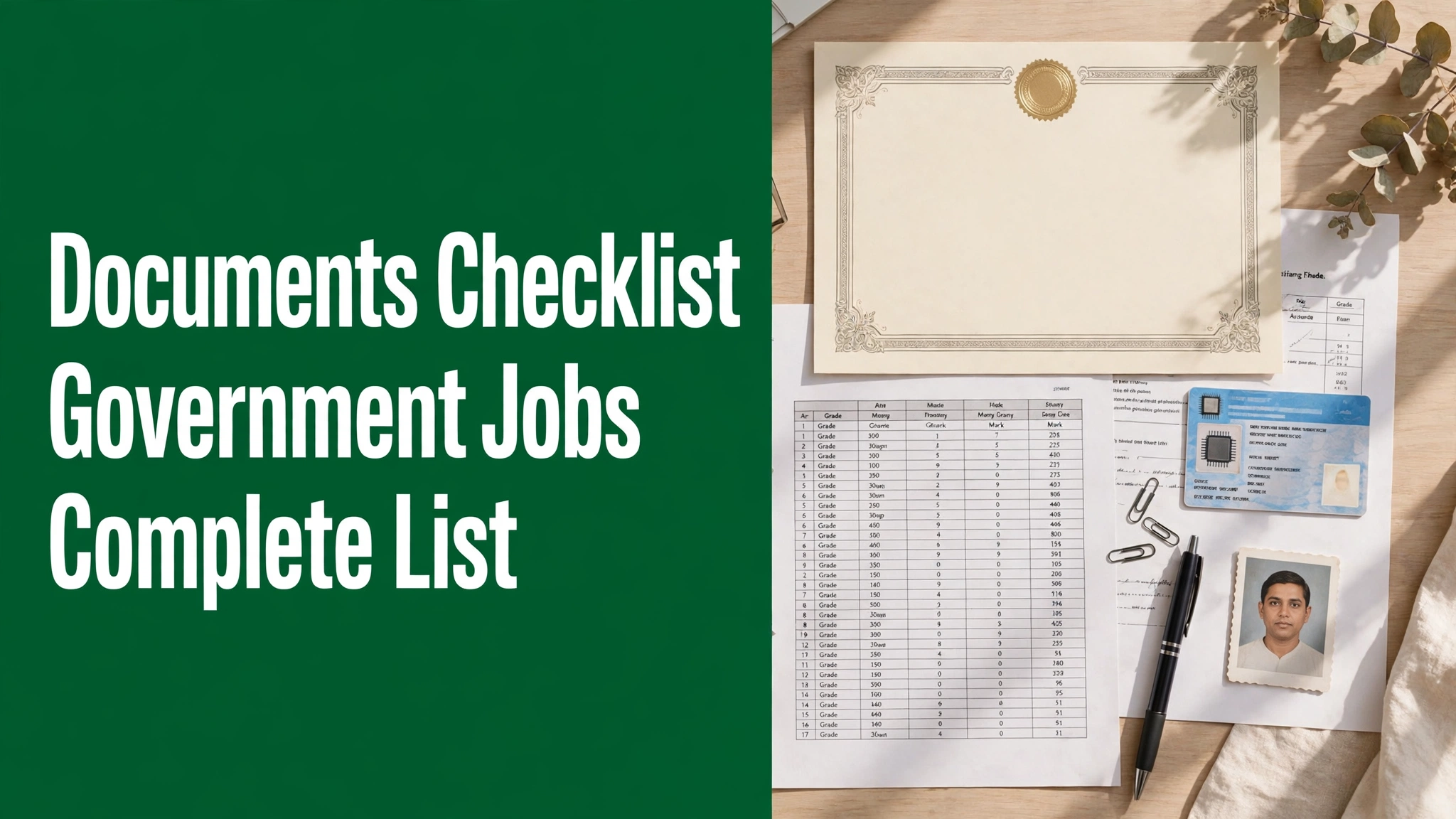
Almost every government job application asks for the same set of documents. Only the names and formats change slightly from one recruitment to another.
Most candidates start collecting papers only after the form opens. That last-minute rush is where certificates go missing and scans get rejected.
Use this checklist to prepare one permanent documents folder. Once it is ready, you can apply for any recruitment within minutes.
The Master Documents Checklist
The table below covers the documents asked for in most central and state recruitments. Keep both the originals and clean scanned copies ready.
| Document | Why it is needed | Accepted formats / notes |
|---|---|---|
| Recent passport-size photo | Your identity on the form, admit card and attendance sheet | Colour photo, plain background, JPG, typically 20–100 KB |
| Signature | Must match your sign on exam and verification papers | Black or blue ink on white paper, JPG, typically 10–50 KB |
| Aadhaar card / PAN card / voter ID | Basic identity and address proof | Clear scan or PDF; details must match the form |
| 10th certificate and mark sheet | Main proof of your name and date of birth | Keep the board certificate; it is the primary DOB proof |
| 12th mark sheet and certificate | Proves intermediate qualification where required | Needed for undergraduate-level posts |
| Degree mark sheets and certificate | Proves graduation for graduate-level posts | Final-year candidates must check the cut-off date rule in the notification |
| Caste certificate (SC/ST/OBC-NCL) | Claiming reserved-category benefits | Central format for central posts; OBC-NCL must be within the stated validity period |
| EWS income and asset certificate | Claiming EWS reservation | Issued by the competent authority for the relevant financial year |
| Domicile certificate | Claiming state quota or state-level posts | Issued by the state authority of your home state |
| PwBD certificate | Claiming disability reservation and relaxations | Issued by the authorised medical board, in the prescribed format |
| Ex-serviceman documents | Claiming ESM reservation and age relaxation | Discharge book, PPO and related certificates |
| NOC from employer | For candidates already in government service | From your current department, before the date the notification specifies |
| Scorecards (PET, GATE and similar) | Shortlisting where a previous exam score is used | Keep the official scorecard PDF issued by the exam body |
You may not need every document for every post. The notification of your recruitment is the final word on what applies to you.
Scanned Copy Specifications
Portals accept scanned copies only within set size limits. Oversized or unreadable files are rejected by the system itself.
As a general guide, photos and signatures are usually JPG files within about 10–100 KB. Certificates are usually uploaded as JPG or PDF files of about 100–300 KB each.
Scan in colour at a normal resolution and crop tightly to the document. Every word, seal and signature on the page must stay readable.
Never upload a photo of a screen, and never rename a file just to fake its format. Blurry, tilted or half-cut scans are a common reason for rejection at verification.
Category and Special Certificates
Caste and EWS certificates
For central government posts, caste certificates are generally needed in the central format. A state-format certificate alone may not be accepted.
OBC-NCL and EWS certificates come with a validity window. Check the issue-date rules in your notification before you apply.
PwBD and ex-serviceman documents
PwBD candidates should keep the certificate issued by the authorised medical authority. The type and percentage of disability must be clearly mentioned.
Ex-servicemen should keep the discharge book and pension documents ready. These papers are checked carefully at document verification.
NOC for serving employees
If you already work in a government office, many recruitments ask for a No Objection Certificate. Apply for it early, because departments take time to issue it.
Keep Originals Ready for Document Verification
Uploading scans is only the first stage. Shortlisted candidates must show the original documents at document verification.
Carry the originals with two or three photocopy sets. Also carry extra passport photos of the same type that you uploaded.
If any original is lost, apply for a duplicate immediately. Do not wait for the verification call letter to start worrying.
Fix Name and Date Mismatches Early
A common problem is a name spelled differently on Aadhaar and on the 10th certificate. Even one extra letter can delay your joining.
The 10th certificate is treated as the base record for your name and date of birth. Your application details should match it exactly.
If a mismatch exists, start the correction now through the board, UIDAI or the issuing office. Corrections take weeks, so do not leave them for the result stage.
A Simple Folder System That Works
Create one folder with your name on your phone and computer. Keep sub-folders inside it for photos, certificates and scorecards.
Name files clearly, like “10th-certificate.pdf” and “degree-marksheet.pdf”. You will find them in seconds during any application.
Back up the folder on email or cloud storage. If your phone is lost, your documents folder should not be lost with it.
If a Document Is Missing or Expired
Sometimes a certificate is still under process when the form opens. Do not panic, and do not upload a wrong document in its place.
Read the notification carefully for such cases. Some recruitments accept an undertaking or allow the document to be produced at verification.
If no such option is given, apply for the document on priority and keep the receipt safe. Never edit or forge a date or name on any certificate — that ends your candidature permanently.
Good preparation removes half the stress of any recruitment. Build this folder once, keep it updated, and every application becomes a simple formality.
Related Government Jobs
- How to Apply Online for Government Jobs in India: Step-by-Step Guide
- RRB NTPC Under Graduate Recruitment 2026: 1,688 Posts
- Railway Jobs in India 2026: 8th Pass, 10th Pass and 12th Pass Vacancies
- What Is Document Verification in Government Jobs and How to Prepare
- How to Write a Resume for Government Job Applications

Suraj is a career content writer at SrJobHut, covering government jobs, private jobs, internships, and recruitment updates. He focuses on providing clear, useful, and easy-to-understand information to help job seekers explore career opportunities.



8 thoughts on “Documents Required for Government Job Applications: Complete Checklist”